Direct Local Wi-Fi & Internet Share • Zero Cloud Storage

Fast, Private File Sharing Across Phone & Computer

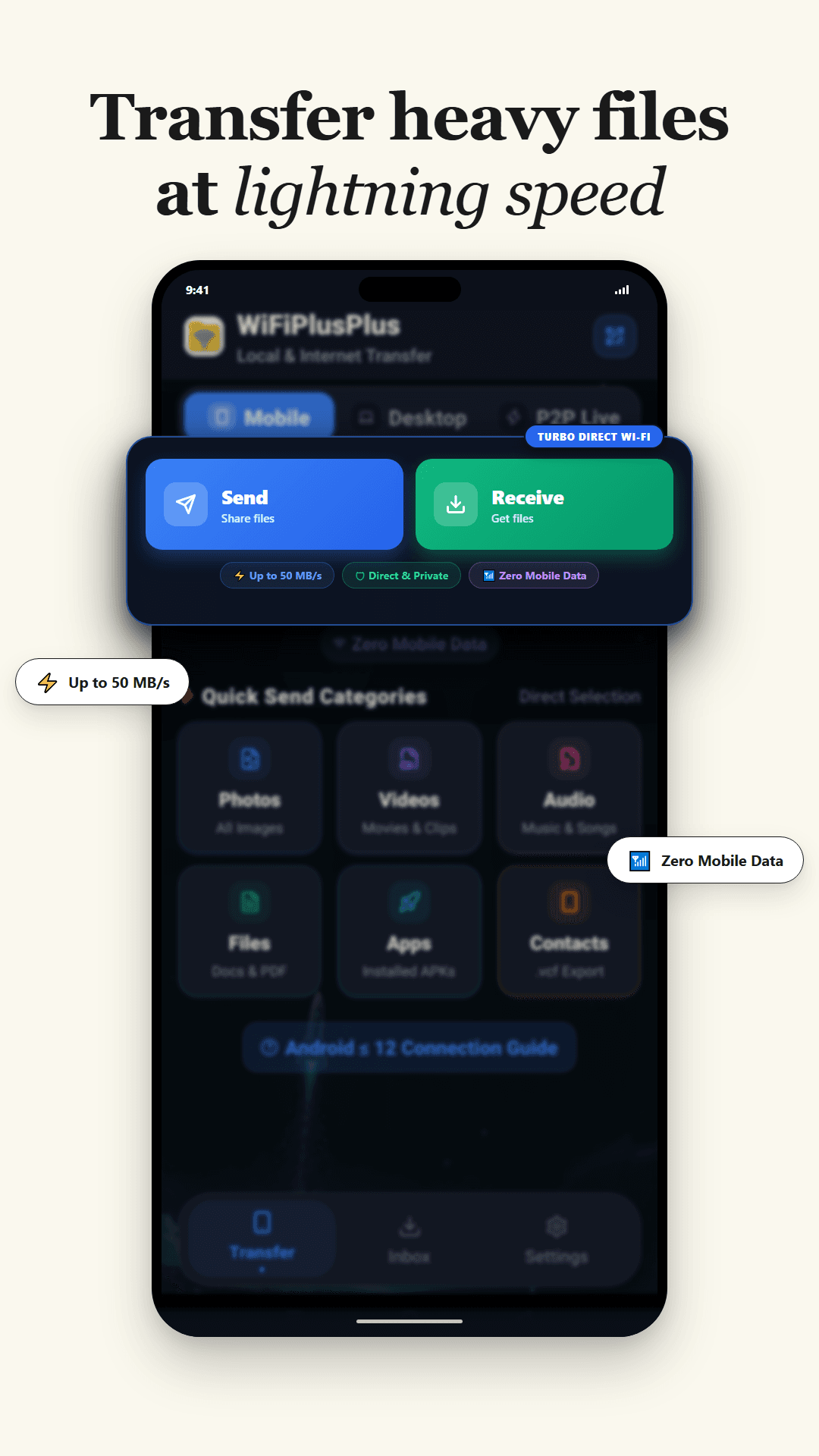
Send 4K videos, heavy files, and entire folders in seconds. Share offline over your local Wi-Fi with zero mobile data, or transfer anywhere worldwide with a simple 6-digit PIN. 100% private—no cloud storage used.

Receive Files with 6-Digit Code
No installation needed
Offline Local Wi-Fi (0 MB Data)
Zero Cloud Storage
50+ MB/s Speed
Wi-Fi Direct Active
Samsung S24 ⇄ Windows PC
4K_Drone_Video_2026.mp4
2.8 GB • Direct Wi-Fi
78%
64.8 MB/s~8 seconds left
50+ MB/s Wi-Fi Direct: Share heavy files without using mobile data
QR Code Pairing: Point your camera to connect instantly
Zero Compression: Full 4K quality and lossless folder transfers
ONE UNIFIED CROSS-PLATFORM ECOSYSTEM

Not Just an App.
A Complete Tri-Platform Suite.

WiFiPlusPlus seamlessly bridges smartphones, workstations, and web browsers. Choose the right tool for your workflow with 100% peer-to-peer privacy and zero cloud file storage.

Android App ⚡ Free

WiFiPlusPlus Mobile

50 MB/s Offline Wi-Fi Direct Transfer

Engineered for Android smartphones. Share 4K movies, heavy apps, photo libraries, and contacts at hardware speeds without using a single byte of cellular data or internet.

50+ MB/s Wi-Fi Direct speed on Local Network (Offline)
100% Offline — share files without internet or Wi-Fi router
Direct 4K video, APK, photo library & document category browsing
Direct Internet Transfer with 6-digit PIN (Zero Cloud Storage)
Desktop Web Link to connect to any computer without cables
Windows Workstation

WiFiPlusPlus Workstation

Gigabit PC-to-PC Local LAN & Secure Internet Transfer

High-performance desktop software for creators, video editors, and teams. Transfer multi-gigabyte project folders between computers on local network or across the globe with zero cloud storage.

Gigabit PC-to-PC local network (LAN) mesh transfer
Real-time Local Chat between connected office computers
Batch drag-and-drop entire folders and large video timelines
Internet Transfer anywhere in the world with zero cloud storage
Instant Phone-to-PC auto-discovery and file sync
Zero-Install Browser Hub (100% Free)

WiFiPlusPlus Web Hub

Instant Sharing on Any OS (Mac, Windows, Linux, TV)

No apps or software required on the computer or laptop. Open your browser to connect to your phone on local Wi-Fi, or receive files from anywhere in the world via a temporary 6-digit PIN.

Zero installation required — runs in Chrome, Safari, Edge, Firefox
Connect phone to laptop via QR code or 6-digit PIN
Receive files from anywhere in the world via Internet with 6-digit PIN
Zero cloud file storage — files stream directly device-to-device
Works on Windows, macOS, Linux, iPad, and Smart TVs
Zero Cloud Storage • Zero Third-Party File Exposure
Whether transferring Phone-to-Phone, PC-to-PC, or Phone-to-Browser, your files stream directly device-to-device.
Supports:AndroidWindows 10/11macOSLinuxiOS/SafariChromebook
Universal Workflow Guide

How WiFiPlusPlus Works Across All Devices

Pick your workflow below to see the exact step-by-step process for Mobile, Desktop PC, and Web.

💻 Desktop App • Gigabit LAN Mesh + AES-256-GCM + Live Chat

PC-to-PC Gigabit Mesh with End-to-End Encryption & Chat

Step 1: Open Desktop App

Launch WiFiPlusPlus Desktop on both computers

Install the lightweight Windows or Mac desktop app. Open the PC-to-PC tab. The app automatically spins up an ultra-fast local gigabit pairing server and generates a 6-digit room code.

Native C++ low-level socket bindings
Works on any local Wi-Fi or Ethernet LAN
Desktop App Ready • Room Code Generated
Local Port 5000 / 8080 Listening on LAN
NATIVE WINDOWS DESKTOP SOFTWARE

Supercharge Your PC & Laptop.
Gigabit PC-to-PC Mesh, AES-256 Encryption & Live Chat.

Built with Electron 34 and modern low-level C++ socket bindings. Transfer massive multi-gigabyte project folders between computers, chat in real-time, and sync with your phone with zero cloud file storage.

WiFiPlusPlus Desktop (Upcoming)
● 1 Gbps LAN Ready
Radar Discovery Active
Scanning local subnet (192.168.1.x)
PORT 5000 / 8080
Target: Dell XPS 15 (Windows 11)
Paired
UnrealEngine_Project_Backup.zip87.4 MB/s
12.4 GB / 16.8 GBETA: 48s • Byte-Range Partial Resume
Drag & drop files or entire folders here
Direct low-level binary streaming without RAM limits
WINDOWS 10 / 11 64-BIT⚡ UPCOMINGPORTABLE & INSTALLER

Desktop Workstation Power

Native desktop software designed for fast local workflows. Connect PCs and laptops together for encrypted file sharing and live chat with zero cloud subscriptions.

PC-to-PC & Laptop Gigabit Mesh
Pair multiple computers in seconds with 6-digit room codes over local Wi-Fi or Ethernet.
AES-256-GCM End-to-End Encryption
Military-grade payload encryption with random 16-byte salt and 2MB authenticated chunk frames.
Real-Time Peer-to-Peer Mesh Chat
Exchange instant messages directly between connected PCs with zero internet.
Byte-Range Partial Resume Engine
Automatically resumes interrupted 10 GB+ transfers without starting over.
Windows Software (Upcoming)
Portable (Upcoming)
Don't want to install software? Use the Zero-Install Web Connect Portal in your browser.
INTERACTIVE PRODUCT EXPERIENCE

Designed for Speed. Handcrafted for Privacy.

Experience seamless local file transfers, instant PC browser pairing, and end-to-end encryption. No cables, no mobile data limits.
4.9 / 5.0 (1,280+ Reviews)
•
100% Air-Gapped & Private
•
50 MB/s Peak Speed
Wi-Fi Direct Turbo
50 MB/S TURBO DIRECT

50 MB/s Hardware Speed. 0 MB Mobile Data.

Transfer heavy 4K videos, massive photo libraries, and large game APKs directly between devices through high-speed 5 GHz Wi-Fi Direct sockets. Operates completely offline with zero cellular data consumption.

Up to 50 MB/s Raw Binary Socket Speed
0 MB Cellular Data or Mobile Pack Consumed
Lossless 4K Video Quality (No Compression)
Byte-Range Auto-Resume if Interrupted
Direct Sockets: Pure device-to-device radio connection without needing an internet connection or external Wi-Fi router.
Engineered For Pure Performance

Everything you need for seamless wireless sharing.

Designed from the ground up to eliminate cloud reliance, bandwidth fees, and slow transfer bottlenecks.

Live Radar

Radar Device Discovery & Tap to Connect

Nearby sender devices appear directly on the animated Radar screen with device name and avatar. Tap on the device profile, and the sender receives an instant Allow/Accept prompt.

Zero PC Software

Mobile to PC Direct Web Link Sharing

Flip to Desktop Mode in the app to generate a local LAN link (e.g. http://192.168.1.105:8080). Open it in Chrome or Edge on any Windows, Mac, or Linux computer for two-way drag & drop file sharing.

Up to 50 MB/s

Hardware-Level Wi-Fi Direct Speed

Leverages 5 GHz dual-band hardware sockets for raw binary throughput. 50x faster than Bluetooth 5.0 and completely free from cellular network lag.

Zero Cloud

Air-Gapped Privacy & Security

Your photos, videos, and private files never leave your physical vicinity. All transfers execute directly over sandboxed local wireless sockets with zero telemetry.

Fault-Tolerant

Byte-Range Partial Resume Engine

Transferring a 10 GB 4K movie and got temporarily disconnected? Reconnect and send again; the receiver tells the sender how many bytes were already received and resumes instantly!

Lossless

Zero Compression & Any File Format

Send full multi-level folders, heavy APK files, raw photos, and uncompressed 4K HDR footage with mathematical bit-for-bit accuracy.

DESKTOP WORKSTATION LICENSES

Simple, Transparent Pricing for Windows PC.

The Android Mobile App and Web Connect Hub are 100% free forever. Upgrade your Windows Desktop Workstation for heavy multi-gigabyte transfers, unlimited local PC networks, and priority internet sharing.

100% One-Time Payment:
No recurring auto-debits. No hidden renewal surprises. Plans stay active for 30 days or 365 days.

Free Workstation

Ideal for everyday casual file sharing between PC, phone, and laptop without sign-up.

₹0/forever free
Included Capabilities:
  • Up to 5 GB file transfer per item
  • Connect up to 3 PCs on Local Network (LAN)
  • Internet Transfer room up to 3 people
  • Gigabit offline Wi-Fi & LAN speeds
  • Zero cloud storage (Direct device-to-device)
  • No account required (Guest mode instant access)
Download Free Workstation
MOST POPULAR

Personal Workstation

Ideal for power users transferring large 4K videos, heavy archives, and multi-PC setups.

₹199/month(One-Time)
Everything in Free, Plus:
  • Up to 50 GB file transfer per item (4K RAW, big projects)
  • Connect up to 25 PCs on Local Network (LAN)
  • Internet Transfer room up to 10 people
  • Verified Blue Tick Identity Badge (✓)
  • High-Speed priority internet relay channels
  • 100% Ad-Free experience across Desktop
  • 100% One-time payment (No recurring debits)
Get Personal Pro
ENTERPRISE MESH

Business Enterprise

Built for production studios, agency teams, and multi-office LAN networks.

₹499/month(One-Time)
Enterprise Power Included:
  • Unlimited file transfer size (No file size cap)
  • Connect up to 250 PCs simultaneously on Local LAN
  • Internet Transfer room up to 50 people
  • Host Privilege Sharing (guests inherit high limits)
  • Verified Blue Tick Identity Badge (✓)
  • Dedicated high-bandwidth relay channels
  • Priority 24/7 technical support
  • 100% One-time payment (No recurring debits)
Get Business License
Are Mobile and Web Users Charged?
No! The Android app and Web Zero-Install connect hub are completely 100% free forever. Paid plans are strictly optional for power workstations.
Free Android AppFree Web Hub
Latest Version Release

What’s new in WiFiPlusPlus

Latest official build highlights and performance improvements.

Version 1.0.0Latest Build

Initial Production Release

2026-08-18
Blazing fast Wi-Fi Direct file sharing (up to 50 MB/s transfer speed).
Zero mobile data on local Wi-Fi & secure encrypted Worldwide P2P transfers.
Instant QR Code auto-discovery & one-tap device pairing.
Unlimited transfer size: 4K videos, heavy APKs, and multi-file folders.
Mobile to Desktop transfer directly via LAN Web browser without PC software.
Seamless Dark Mode & Light Mode support with custom color themes.
Signed Keystore Build (Clean APK)v1.0.0 (Upcoming)
Unified Multi-Platform Ecosystem

Get WiFiPlusPlus for all your devices.

Choose your device below. From high-speed native Android Wi-Fi Direct and dedicated Windows Desktop software to zero-install browser Web Connect.

Android ⚡ Upcoming

Android App

50 MB/s hardware Wi-Fi Direct transfer, background engine, contacts .vcf backup, and hotspot host.

Android APK (Upcoming)
Google Play Store
Windows ⚡ Upcoming

Windows Software

Standalone PC-to-PC & PC-to-Phone sharing. Real-time network radar, drag & drop DropZone, and AP isolation bypass.

Windows Desktop (Upcoming)
Zero-Install

Web Connect

No app download needed. Connect your laptop, MacBook, iPhone, or Linux PC instantly via any browser using QR or PIN.

SHA-256 Verified

Clean Keystore Signature & Free of Trackers

Cross-Device Support

Android 7.0–15+, Windows 10/11, macOS, Linux

Lightweight Footprint

Native Rust & Kotlin high-concurrency engine

Frequently Asked Questions

Clear answers to all your questions.

Learn how WiFiPlusPlus guarantees privacy, speed, and cross-platform flexibility across Mobile, Desktop, and Web.

No! WiFiPlusPlus is a comprehensive cross-platform ecosystem consisting of three core products: (1) WiFiPlusPlus Mobile (Android app for 50 MB/s offline Wi-Fi Direct file sharing), (2) WiFiPlusPlus Desktop (Native software for Windows & Mac with gigabit PC-to-PC mesh, AES-256-GCM encryption, and real-time mesh chat), and (3) WiFiPlusPlus Web (A zero-install browser hub that works on any device including iPhones, iPads, MacBooks, Linux, and Chromebooks).